


Use to summarize this article


Your design team just finished a sharp Figma file. Every screen looks great. The interactions are mapped out. The stakeholders have signed off. Now comes the hard part: turning those designs into a live, high-performing Webflow website.
If you have been through this process before, you know the pain. Colors shift. Spacing breaks. Responsive layouts fall apart. And your marketing team ends up waiting weeks for something that should have taken days.
This guide walks you through how to go from Figma to Webflow the right way in 2026. Whether you are handling it in-house or working with a Figma to Webflow agency, this is the playbook to get it done without losing design quality or conversion performance.
If you are also thinking about migrating your CMS, our Drupal to Webflow migration guide covers the full process step by step.
Why B2B SaaS Teams Need a Proper Figma to Webflow Workflow
Most B2B SaaS companies design in Figma. It is the standard tool for UI/UX design in 2026. But Figma is a design tool. It is not a website builder. It creates static mockups and prototypes. It does not generate production-ready code, handle CMS content, or manage responsive behavior across devices.
Webflow fills that gap. It takes your visual designs and turns them into real, live websites with clean HTML, CSS, and JavaScript. No custom coding required for most use cases.
The problem is the handoff. When design and development teams do not have a clear process, things go wrong fast.
Here is what typically breaks down:
- Design tokens like colors, fonts, and spacing do not match between Figma and Webflow
- Auto-layout in Figma does not translate cleanly to Webflow's flexbox system
- Assets get exported at wrong sizes or formats
- Responsive breakpoints are designed but never properly built
- CMS-driven pages like blogs and case studies get treated as static one-offs
For B2B SaaS companies running 20 to 50+ pages with dynamic content, these issues add up quickly. They delay launches, increase costs, and result in websites that do not convert.
The Figma to Webflow Plugin: What It Does and What It Does Not
Webflow's official Figma to Webflow plugin has come a long way since its early days. In 2026, it supports syncing components, variables, and styles directly from Figma into your Webflow project. The companion Figma to Webflow app inside the Webflow Designer lets you import those synced elements.
But it is not magic. Understanding its limits is just as important as knowing its features.
What the plugin handles well:
- Syncing auto-layout frames to Webflow flexbox containers
- Transferring color and typography variables between platforms
- Moving images and vector icons into Webflow's asset panel
- Converting Figma layer names into Webflow CSS classes
- Mapping basic HTML tags based on layer naming conventions
- Syncing one variable collection and mode at a time
Where the plugin falls short:
- It only works with auto-layout frames. If your Figma file uses absolute positioning or free-form layouts, those layers will not sync
- Figma variants are not supported. Complex component states need manual rebuilding in Webflow
- Custom fonts must be uploaded to Webflow before syncing or they will be lost
- The plugin works best for syncing individual components and sections, not entire pages at once
- Responsive behavior still requires manual setup in Webflow after import
- Style conflicts between Figma and Webflow need to be resolved manually during paste
For simple marketing sites, the plugin saves real time. But for complex B2B SaaS websites with multi-level navigation, dynamic CMS collections, custom interactions, and enterprise-level performance requirements, the plugin is a starting point. Not a finish line.
That is where working with a specialized Figma to Webflow developer or a Figma to Webflow development agency becomes important.
Step-by-Step: How to Convert Figma Designs to Webflow in 2026
Here is the process that works for B2B SaaS teams building serious websites. This is the workflow we follow at Flowtrix for every project.
Step 1: Prepare Your Figma File for Export
Before anything touches Webflow, your Figma file needs to be production-ready.
Apply auto-layout to every frame you plan to sync. Frames without auto-layout will not transfer. Use Webflow's "suggest auto layout" feature in the plugin to quickly add auto-layout to frames that are missing it.
Organize your layers with clear, consistent naming. Every layer name in Figma becomes a CSS class in Webflow. Use a naming system like BEM or something similar that your development team understands. Messy layer names create messy Webflow projects that are painful to maintain.
Set up Figma variables for colors, typography, and spacing. These variables sync directly to Webflow variables through the plugin. This saves hours of manual style setup and keeps your design system consistent across both tools.
Export all images and icons separately. Use SVG for icons and logos. Use WebP or compressed PNG for photos and illustrations. Optimize file sizes before uploading to Webflow. Large, unoptimized images are one of the biggest performance killers on B2B websites.

Step 2: Set Up Your Webflow Project Structure
Create a new Webflow project and configure global styles first. This means setting up your typography scale, color swatches, button styles, and spacing system to match your Figma design tokens exactly.
If you are building for a B2B SaaS company, you will likely need CMS collections for blog posts, case studies, team members, integration pages, and resource libraries. Plan your CMS architecture before building any pages. A poor CMS structure creates problems that get worse over time. Think about how content relates to each other. Blog posts might reference authors. Case studies might connect to specific industries or products. Plan these relationships with Webflow's reference fields and multi-reference fields.
Upload your custom fonts to Webflow before importing anything from Figma. This is a step many teams skip, and it causes style mismatches on every synced component.
Step 3: Sync Components Using the Plugin
Install the Figma to Webflow plugin from the Figma community. Connect it to your Webflow account and select your project.
Start by syncing your design system elements first. Colors, typography styles, and spacing variables should transfer before any layout components. This creates a consistent foundation in Webflow that makes everything else easier.
Then sync individual components and sections. Do not try to sync full pages. The plugin performs much better with smaller, focused syncs. Import each component into Webflow using the companion app and check that styles, spacing, and structure match the original design.
When pasting from Figma, you have two options for handling style conflicts. You can create new classes (default) or update existing classes. Choose carefully. Updating existing classes changes every element on your site that uses that class.
Step 4: Build Responsive Layouts Manually
This is the step where most projects either succeed or fail. The Figma to Webflow plugin does not handle responsive design automatically. Your Figma file might show desktop, tablet, and mobile breakpoints. But those breakpoints need to be rebuilt in Webflow using its native responsive tools.
Use Webflow's flexbox and grid layouts to create fluid, responsive structures. Set min and max widths on containers. Adjust typography scales for each breakpoint. Test every page at multiple screen sizes, not just the standard ones.
For B2B SaaS websites, responsive design is not optional. Your buyers check your website on phones during meetings and on large monitors at their desks. A broken mobile layout tells a VP of Marketing that your product is not ready for enterprise. Every breakpoint matters.
Step 5: Add Interactions and Animations
Figma prototypes can show transitions and micro-interactions. But those are just visual references. In Webflow, you rebuild them using the Interactions panel.
Focus on interactions that serve a purpose. Hover states on buttons and cards. Scroll-triggered animations for feature sections. Loading transitions for page elements. These small details signal quality to enterprise buyers and make the site feel polished.
Avoid overdoing animations. B2B decision-makers care about clarity and speed. Heavy animations that slow down your page will hurt conversions and SEO performance. Keep interactions subtle and functional.
Step 6: Connect CMS and Dynamic Content
For B2B SaaS websites, CMS integration is where the real power of Webflow shows up. Connect your blog template to a CMS collection. Map fields for title, author, publish date, featured image, categories, and body content. Do the same for case studies, team pages, and resource hubs.
Build one template page for each collection type. Style it once. Every new CMS item will follow that template automatically. This is how marketing teams publish content without needing a developer for every update.
If you need structured data on your CMS pages, the Flowtrix Schema App handles that natively inside the Webflow Designer. It connects schema fields directly to your CMS collections so every blog post and case study gets proper structured data without manual code.
Step 7: QA, Performance, and Launch
Before launch, run a full quality check. Compare every page against the original Figma designs pixel by pixel. Check for spacing inconsistencies, font mismatches, broken responsive layouts, and missing assets.
Test site speed using Google PageSpeed Insights. Aim for 90+ scores on both mobile and desktop. Optimize images, reduce custom code, and make sure Webflow's native hosting delivers fast load times through its global CDN.
Review SEO fundamentals. Meta titles and descriptions on every page. Clean URL structures. Alt text on all images. Proper heading hierarchy from H1 through H4. XML sitemap configuration. Open Graph settings for social sharing.
Run a full cross-browser test. Check Chrome, Safari, Firefox, and Edge. The Figma to Webflow plugin is not supported in Safari, but your live site needs to work everywhere.
Set up 301 redirects if you are replacing an existing site. Map every old URL to its new Webflow equivalent. Missing redirects will destroy your organic rankings and create broken links across the web. Use a spreadsheet to track every URL mapping before launch day.
Double-check all form integrations. Make sure demo request forms, newsletter signups, and contact forms connect properly to your CRM or marketing automation tool. Test every form submission and verify that data reaches the right destination.
Finally, configure analytics. Connect Google Analytics, set up conversion goals, and verify that tracking scripts fire correctly on every page. Without proper analytics, you will not know if your new site is performing better than the old one.
Figma to Webflow Plugin vs Manual Build: Which Approach Is Better
For simpler marketing pages with standard layouts, the Figma to Webflow plugin saves real time. It handles the heavy lifting of converting design tokens and basic component structures.
But for complex B2B SaaS websites, a manual build often delivers better results. Manual builds give developers full control over class naming, CMS structure, responsive behavior, and performance. The code is cleaner. The site is faster. And the project is easier to maintain.
The best approach for most B2B teams is a hybrid workflow. Use the plugin for syncing design tokens and simple components. Then build complex layouts, CMS templates, and interactive elements manually. This gives you speed where it matters and quality where it counts.
When to Hire a Figma to Webflow Agency
Not every team needs outside help. If your site is 5 to 10 pages with simple layouts and no CMS, your in-house team can probably handle it.
But for B2B SaaS companies with complex requirements, hiring a Figma to Webflow agency makes sense when:
- Your site has 20+ pages with multiple CMS collections
- You need pixel-perfect translation from Figma to Webflow with custom interactions
- Your team does not have dedicated Webflow developers on staff
- You are running a full website revamp alongside the Figma to Webflow conversion
- You need enterprise-level performance, SEO, and accessibility standards
- You are migrating from WordPress, HubSpot, or another CMS at the same time
A specialized Figma to Webflow development agency brings experience that saves time and avoids costly mistakes. They know the edge cases. They understand how to structure Webflow projects for long-term scalability. And they can handle both design implementation and technical SEO in a single workflow.
If you are looking for the right partner, here are some of the top agencies that specialize in Figma to Webflow work for B2B and SaaS companies.
1. Flowtrix

Flowtrix is a specialist Webflow Enterprise Partner focused on website revamps for B2B SaaS, AI, and cybersecurity companies. The team handles strategy, CRO-focused design, Webflow development, SEO, and schema implementation. With 120+ global projects delivered and a nomination for Webflow Partner of the Year 2025, Flowtrix brings deep experience in turning Figma designs into high-converting Webflow websites.
One client testimonial puts it simply: "Their speed and accuracy is absolutely on point. Pixel to pixel translation from Figma."
What sets Flowtrix apart is the full-service approach. The team does not just convert your designs. They combine strategy, UX, Webflow Enterprise development, and technical SEO into one solution that drives pipeline and demo bookings. They have done this for companies like Amazon, Databahn, Akirolabs, Fuxam, Wayground, Monk-e and more.
2. Creative Corner Studio
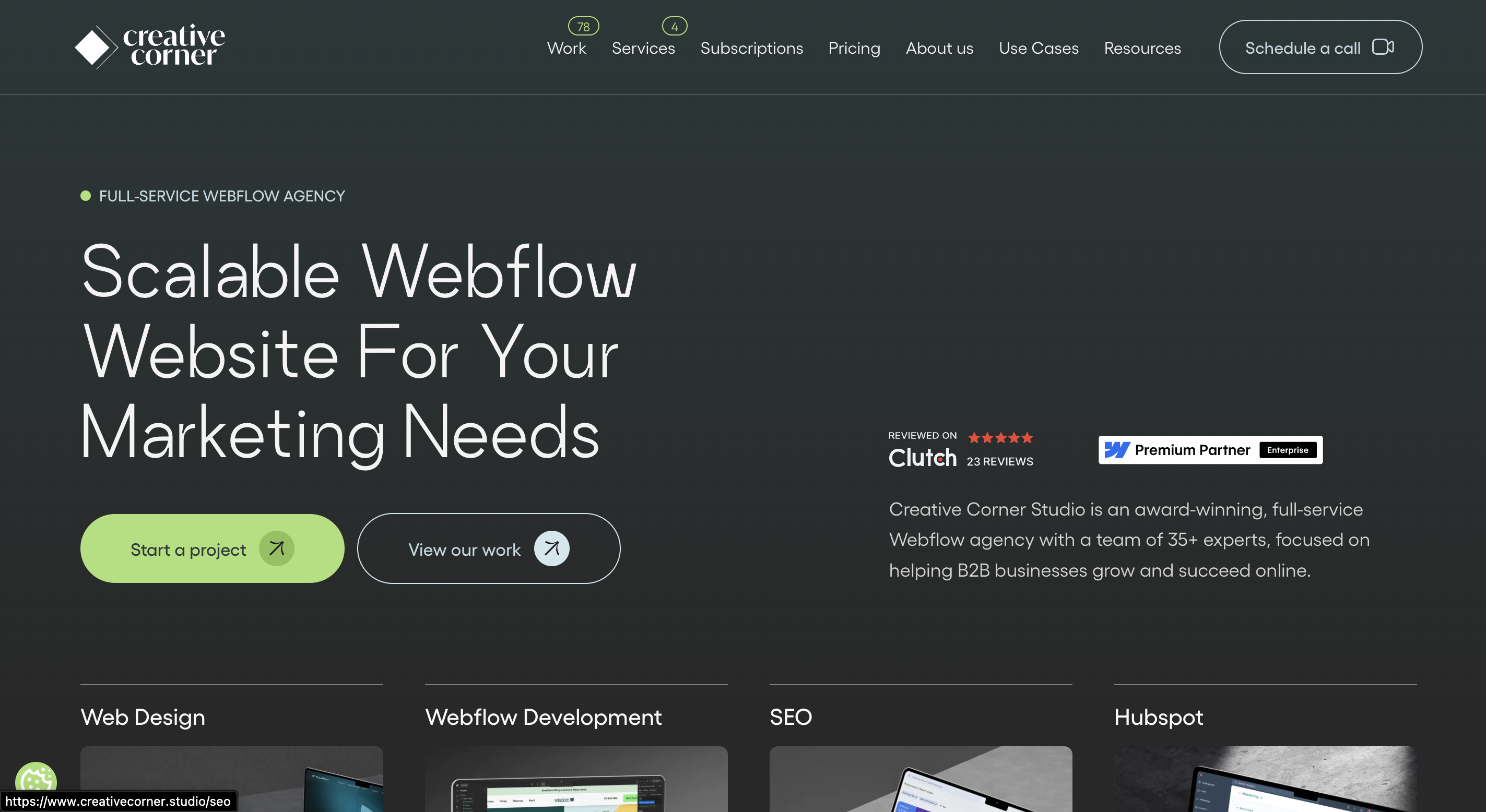
Creative Corner Studio is a Webflow agency with a team of 35+ experts focused on helping B2B businesses grow online. They combine brand strategy, UX design, and Webflow development under one roof. Their process covers everything from wireframing to post-launch support. A good fit for mid-market B2B companies that want a single agency handling both design and Webflow build.
3. theCSS Agency
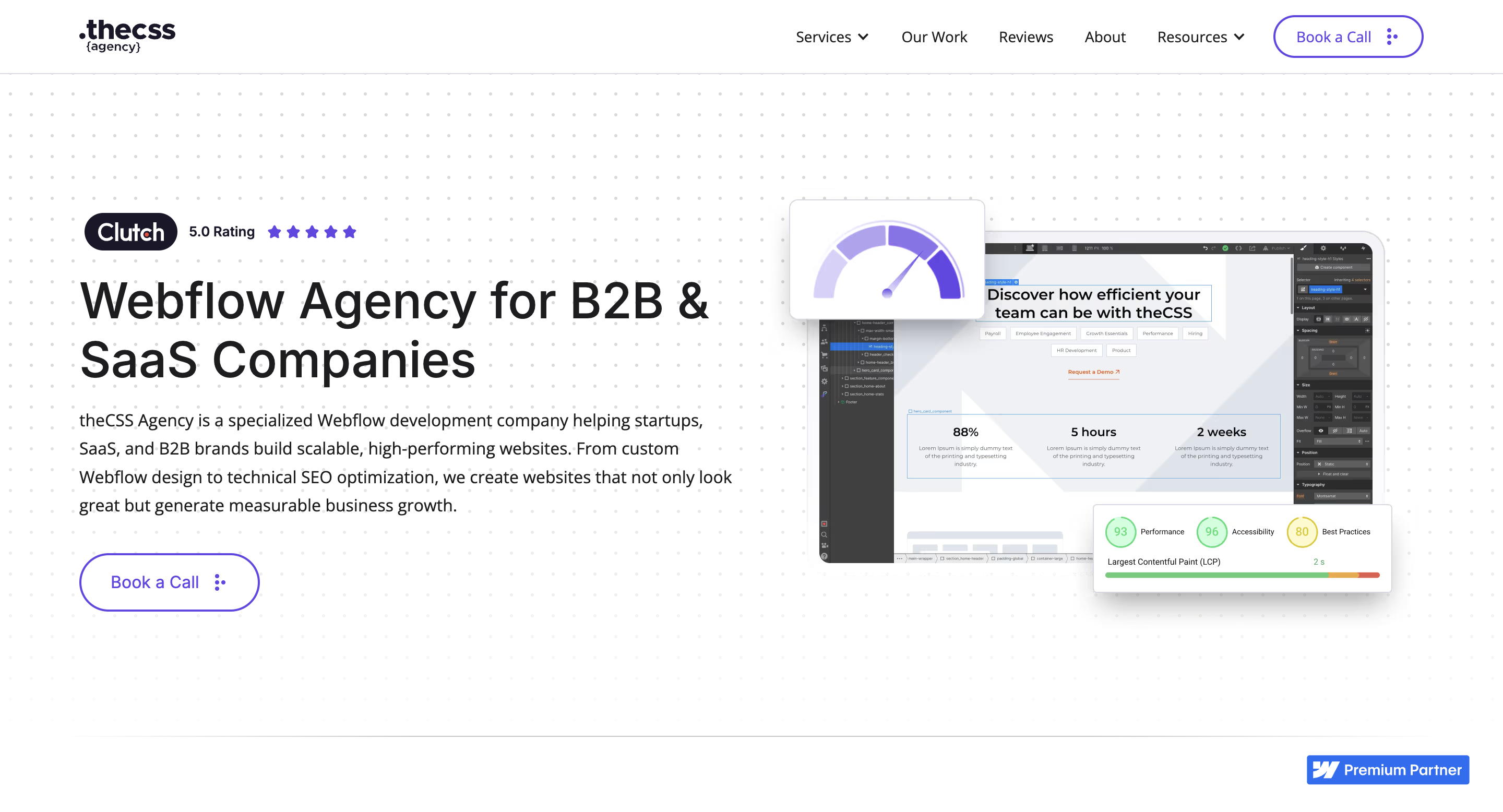
theCSS Agency is a dedicated Figma to Webflow development shop. They focus specifically on taking Figma files and converting them into clean, responsive Webflow sites with proper CMS setup. Their transparent pricing and flexible engagement models make them a solid choice for teams that already have designs ready and just need reliable Webflow development.
4. Arch Web Design

Arch Web Design specializes in Webflow builds for SaaS companies. They helped Beacon CRM increase sales leads by 52% through a website redesign. Their team handles Figma to Webflow conversion with a focus on CMS architecture, animations, and third-party integrations. A strong option for early-stage to growth-stage SaaS companies.
5. The Frontend Company (TFC)

The Frontend Company is a Webflow-focused agency with a 5.0 rating on Clutch. They specialize in component-based Webflow architecture, clean class structures, and scalable CMS logic. Their builds are optimized for SEO, performance, and future content updates. A good pick for B2B teams that need a Webflow project built for long-term growth.
| Agency | Best For | Webflow Enterprise | CRO + SEO |
|---|---|---|---|
| Flowtrix | B2B SaaS, AI, Cybersecurity | Yes | Yes |
| Creative Corner Studio | Full-service B2B builds | No | Partial |
| theCSS Agency | Pixel-perfect Figma translation | No | No |
| Arch Web Design | SaaS startups | No | Partial |
| The Frontend Company | Scalable component systems | No | Partial |
Common Mistakes to Avoid During Figma to Webflow Handoff
Even experienced teams make these errors. Watch out for them.
Skipping the style guide setup. If you do not match your Figma design tokens to Webflow global styles before building, you will spend hours fixing inconsistencies later. Do this first and save yourself the pain.
Syncing entire pages instead of components. The plugin works best for individual sections and components. Full-page syncs often break or produce messy class structures that are difficult to clean up.
Ignoring Webflow's class system. Figma layer names become Webflow classes. If your naming is messy in Figma, your Webflow project will be hard to maintain. Establish naming conventions before syncing.
Building static pages when you need CMS. If content will be updated regularly, build it with CMS collections from the start. Retrofitting CMS later is painful and expensive. Plan for dynamic content from day one.
Forgetting about SEO. A beautiful website that nobody finds is not helpful. Set up meta tags, heading hierarchy, schema markup, and URL structure during development. Not as an afterthought.
Not testing on real devices. Webflow's preview is helpful but not enough. Test on actual phones, tablets, and different screen sizes before launching.
Skipping performance optimization. Compress images, minimize custom code, and test Core Web Vitals before going live. Performance impacts both SEO rankings and conversion rates.
How Flowtrix Handles Figma to Webflow for B2B SaaS Companies
At Flowtrix, Figma to Webflow development is one of our core services. But we do not approach it as a simple design-to-code task. We treat every project as an opportunity to improve the website's overall performance and business impact.


Here is what that looks like in practice. We start with a strategy phase where we review your Figma designs through the lens of CRO and B2B buyer journeys. We check if the page structures support conversions. We validate that messaging aligns with your ICP. We plan the CMS architecture for long-term scalability.
Then we build in Webflow using component-driven development. Clean class systems. Scalable CMS collections. Fast-loading pages optimized for Core Web Vitals. We layer in technical SEO including on-page optimization, structured data through our Schema App, and performance tuning.
We have done this for companies like Databahn, Akirolabs, Fuxam, Wayground, and Monk-E. Each project involved turning Figma designs into Webflow websites that drive real business results.
As a certified Webflow Enterprise Partner nominated for Partner of the Year 2025, we bring the expertise that complex B2B SaaS projects require. Whether you need a full website revamp or just need your Figma designs built pixel-perfect in Webflow, we can help.
FAQ's






.webp)






.svg)

.svg)



%201.svg)


.svg)
.svg)

