

Use to summarize this article


- Enterprise UX in 2026 has shifted from a tech project to a strategic priority that shapes productivity, adoption, and brand trust
- Webflow Enterprise now powers internal portals, knowledge platforms, and design-system-driven ecosystems, not just marketing sites
- Role-based experiences, workflow-first architecture, design systems, and accessibility are the four pillars of modern enterprise UX
- Performance, governance, and integrations with CRMs, SSO, and internal APIs are non-negotiable for enterprise digital workplaces
- Flowtrix has delivered 120+ global Webflow enterprise projects for B2B SaaS, AI, and cybersecurity companies
In 2026, enterprise websites aren't just background systems anymore. They're business-critical platforms that shape how employees work, how customers perceive your brand, and how efficiently your operations run.
With hybrid work, AI tools, and global teams becoming the norm, digital workspace upgrades have shifted from a tech project to a strategic priority. Your team expects the same smooth, fast experiences at work that they get from their favorite consumer apps. Anything less feels frustrating.
This is where Enterprise UX becomes essential.
Unlike typical UX, enterprise UX design has to juggle usability with real complexity. You're dealing with multiple user roles, large content libraries, security requirements, and performance demands. And you have to do all of this without overwhelming the people who use these systems daily. Companies that don't modernize their UX in 2026 will struggle with low adoption, frustrated teams, and rising costs.
At Flowtrix, we help B2B SaaS, AI, and cybersecurity companies rethink their digital workplaces using Webflow UX design. We focus on what actually matters: scalability, speed, accessibility, and design systems that deliver results.
This blog breaks down how Webflow Enterprise UX in 2026 is changing the game for digital workplaces. We'll cover best practices for enterprise UX design, the trends shaping this space, and how you can build an experience strategy that lasts.
What Is Enterprise UX and Why It's Different
Defining Enterprise UX in 2026
Enterprise UX is about designing digital experiences for large, complex systems used by employees, partners, admins, and enterprise customers. These aren't simple marketing websites. They're tools people rely on every day.
Examples include:
- Internal employee portals
- Admin dashboards
- Knowledge management platforms
- Partner ecosystems
- Enterprise SaaS interfaces
- Customer portals
What makes enterprise systems different from consumer apps:
- They serve multiple user types at once
- They require deep, multi-step workflows instead of simple click paths
- They often connect with older legacy systems
- They handle sensitive data with strict permissions
- They need to scale across teams, departments, and regions
This complexity is exactly why enterprise UX design is both harder and more impactful.
From Functionality to Experience-Led Design
For years, enterprise software focused on features first and usability second. The result? Systems that technically worked but made people's jobs harder than they needed to be.
In 2026, that approach simply doesn't cut it.
Modern enterprise UX focuses on:
- Getting tasks done efficiently instead of piling on features
- Clarity instead of cramming everything onto one screen
- Speed instead of unnecessary complexity
- Consistency instead of every team doing their own thing
This mindset shift is pushing enterprises toward platforms like Webflow, where Webflow UX improvements can happen without massive dev cycles.
The Evolution of Digital Workspaces in 2026
Why Digital Workspaces Are Being Reimagined
Enterprise digital workspaces have come a long way from static intranets. Today, they're dynamic, intelligent platforms that need to keep up with how people actually work.
Key drivers behind digital workspace changes:
- Remote and hybrid work is now standard
- AI is helping teams make faster decisions
- Cross-team collaboration happens constantly
- Content needs real-time updates
- Mobile access is expected, not optional
What employees now expect:
- Dashboards that show them what matters
- Interfaces that load quickly
- Experiences that work the same on any device
- Minimal training to get started
Traditional CMS platforms and rigid enterprise tools can't keep pace. Webflow offers the flexibility modern enterprises need.
Why Webflow Is Ideal for Enterprise UX in 2026
Webflow Has Outgrown "Marketing Website" Limitations
In 2026, Webflow Enterprise isn't just for marketing sites anymore. It's become a serious platform for:
- Enterprise portals
- Internal tools
- Design-system-powered ecosystems
- Content-heavy platforms
- Secure, scalable digital experiences
With enterprise hosting, API access, CMS capabilities, and role-based controls, Webflow UX design now goes head-to-head with traditional enterprise platforms. And it delivers much faster results.
Key Benefits of Webflow UX for Enterprises
1. Speed to MarketWebflow slashes development time, so enterprises can launch and improve their digital experiences faster.
2. Design System ScalabilityComponent-based design keeps UX consistent across every team and region.
3. Visual Development with Clean CodeDesigners and developers work together smoothly, cutting down handoff headaches.
4. Performance & SecurityEnterprise-grade CDN, SOC 2 compliance, and global reliability you can count on.
Core Principles of Enterprise UX Design in 2026
Core Principles of Enterprise UX in 2026
- Role-based personalized dashboards and navigation
- Workflow-first architecture, not page-first thinking
- Centralized design systems for brand consistency
- WCAG 2.2 accessibility and full keyboard support
- Mobile-first interfaces optimized for touch
- Performance optimization as a UX requirement
1. Role-Based User Experiences
Enterprise platforms need to adapt to different users with different needs.
What works:
- Personalized dashboards for each role
- Navigation that changes based on user type
- UI elements that show or hide based on permissions
- Content that adjusts to context
With Webflow UX, you can build modular components that shift based on who's logged in.
2. Workflow-First UX Architecture
Great enterprise UX design starts with workflows, not pages.
Stop asking: "What pages do we need?"
Start asking: "What tasks do users need to complete with the least friction?"

This approach leads to:
- Faster onboarding
- Better adoption rates
- Lower training costs
3. Design Systems as the Foundation
Design systems aren't optional for enterprise UX. They're essential.
What they deliver:
- Brand consistency everywhere
- Faster design iterations
- Less UX debt piling up
- Governance that scales
Webflow makes it easy to implement centralized design systems that power Webflow UX improvements across your entire platform.
4. Accessibility as a Core Requirement
Accessibility isn't a nice-to-have anymore. It's required.
Enterprise UX in 2026 must include:
- WCAG 2.2 compliance
- Full keyboard navigation
- Screen reader support
- High-contrast options
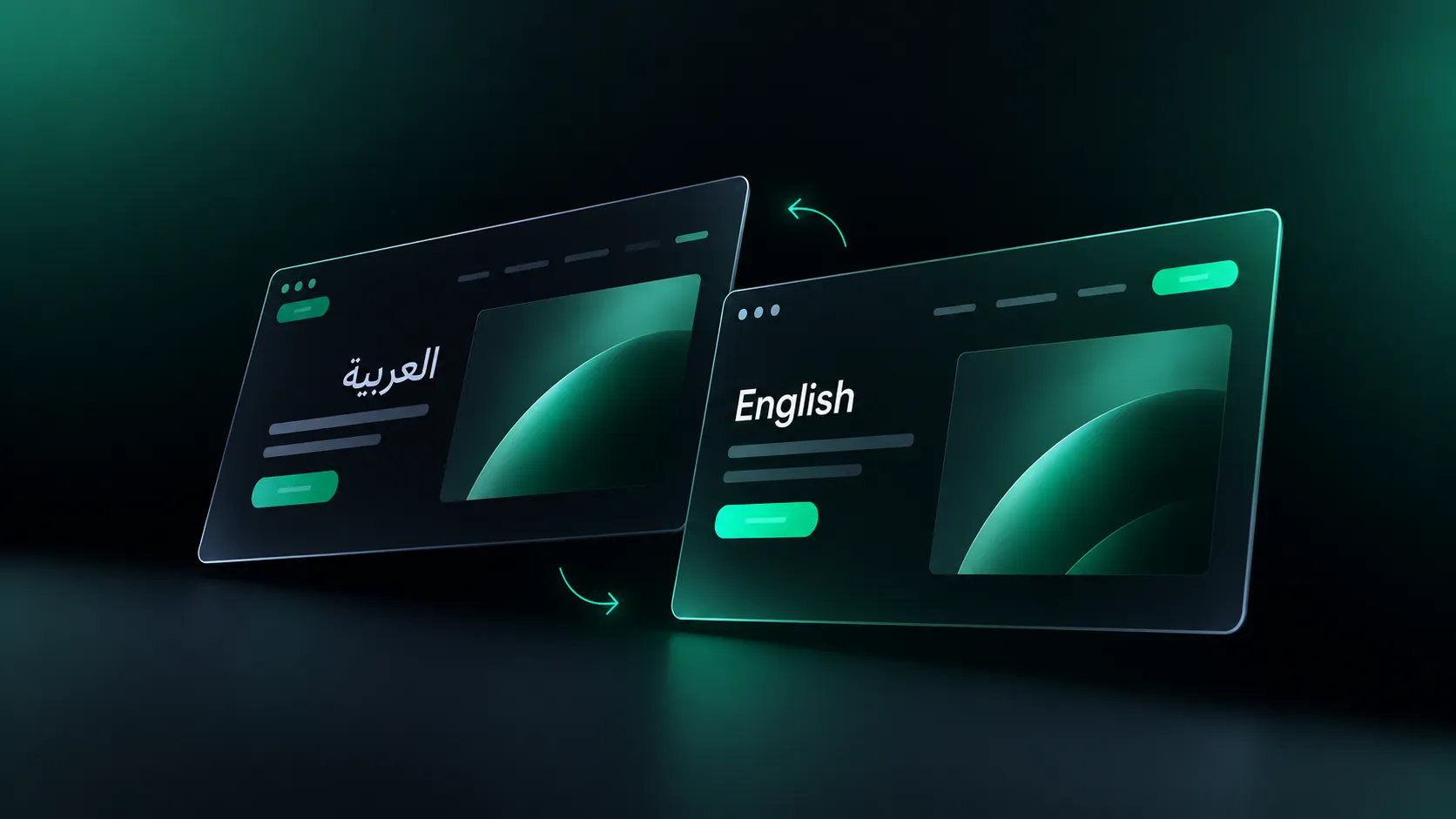
- Multilingual accessibility
Webflow's semantic HTML and built-in accessibility features make inclusive design achievable at scale.
How Webflow UX Is Transforming Enterprise Digital Workplaces
Centralized Knowledge & Content Platforms
Enterprises are using Webflow CMS to build:
- Internal knowledge bases
- SOP libraries
- Employee onboarding portals
- Training platforms
The benefits:
- Employees find what they need faster
- Version control keeps content accurate
- Marketing and ops teams don't need IT for every update
- Changes go live immediately
Unified Brand & UX Consistency
With Webflow, enterprises maintain:
- Unified UX across internal and external platforms
- Shared components and layouts everyone uses
- Centralized brand governance
Faster Digital Overhaul Cycles
Traditional enterprise redesigns drag on for months or years.
Webflow enables:
- Rapid prototyping
- Quicker stakeholder approvals
- Continuous UX improvements
- Fewer engineering bottlenecks
This speed is a major reason Webflow UX upgrades are gaining traction globally.
Performance as a Core Enterprise UX Factor
Why Performance Matters in Enterprise UX
In enterprise environments, slow systems create real problems:
- Employee productivity drops
- Error rates increase
- Frustration builds
- Support costs rise
Webflow delivers:
- Global CDN (Fastly)
- Optimized asset delivery
- Clean front-end code
- Mobile-first performance
Performance isn't just a technical checkbox. It's a UX requirement.
Scalability & Governance in Enterprise Webflow UX
Enterprise CMS Operations
Webflow CMS handles:
- Thousands of content items
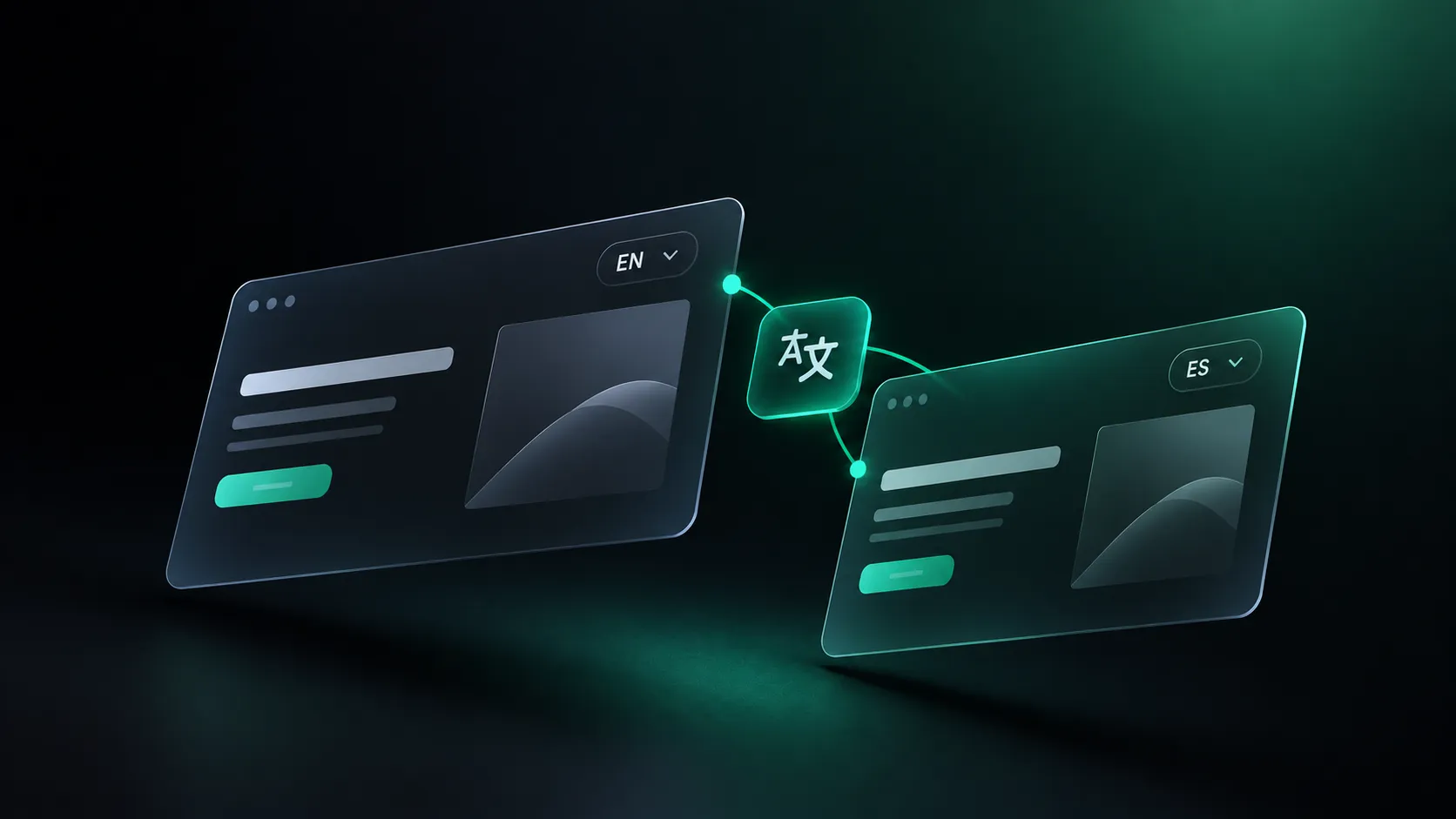
- Multi-language publishing
- Role-based editorial workflows
- API-driven integrations
This lets enterprises scale content without sacrificing UX quality.
Security & Compliance
Enterprise UX needs to align with:
- Data security policies
- Access control requirements
- Compliance frameworks
Webflow Enterprise provides:
- Advanced permissions
- Secure hosting
- Audit-ready infrastructure
Integrations Powering Enterprise Digital Workspaces
Modern enterprise UX design depends on smooth integrations.
Common connections:
- CRM platforms
- Identity providers (SSO, Okta)
- Analytics tools
- Internal APIs
Webflow's API-first approach supports composable enterprise ecosystems that work together without friction.
Mobile-First Enterprise UX in 2026
The Rise of Mobile Enterprise Users
Executives, sales teams, and field staff increasingly work from their phones.
Mobile-first Webflow UX design ensures:
- Touch-optimized navigation
- Fast loading on mobile networks
- Simplified workflows for smaller screens
Mobile UX is now a baseline requirement for enterprise UX success.
Measuring Enterprise UX Success
Key Enterprise UX Metrics
In 2026, enterprises track UX through:
- Task completion rate
- Time on task
- User adoption rate
- Employee satisfaction (eNPS)
- Reduction in support tickets
These metrics show the real ROI of enterprise UX design investments.
Flowtrix's Approach to Enterprise Webflow UX
At Flowtrix, we specialize in enterprise-grade Webflow UX that connects business goals with user needs. As a certified Webflow Enterprise Partner nominated for Webflow Partner of the Year 2025, we've delivered 120+ global projects for B2B SaaS, AI, and cybersecurity companies.
Our process includes:
- UX audits and research
- Information architecture
- Design systems creation
- Webflow enterprise development
- Performance optimization
- Continuous UX iteration
We don't just build websites. We build strategic, conversion-focused digital experiences that drive results.
Future Trends Shaping Enterprise UX Beyond 2026
Looking ahead, digital workspace evolution will speed up through:
- AI-driven personalization
- Predictive UX flows
- Voice and conversational interfaces
- Composable enterprise architectures
- Low-code and no-code adoption
Webflow's flexibility makes it a future-ready platform for enterprises planning ahead.
Conclusion: Webflow Enterprise UX as a Competitive Advantage
In 2026, Enterprise UX is no longer just a design concern. It's a strategic advantage.
Organizations that invest in scalable, accessible, and high-performing UX will:
- Boost productivity
- Reduce operational friction
- Increase user adoption
- Strengthen brand trust


Webflow UX is reshaping enterprise digital workplaces by enabling faster innovation, better governance, and superior user experiences.
With the right enterprise UX design strategy and an experienced partner like Flowtrix, you can build digital workplaces that don't just support work. They make it better.
FAQ's




.webp)





.svg)

.svg)



%201.svg)


.svg)
.svg)

