



Use to summarize this article


- BetterCMS for Astro-native visual editing: It pairs a typed Astro SDK and an on-page visual editor with MCP support for AI assistants, and can run headless or on its own cloud hosting.
- Storyblok for visual page building: Marketing teams that want to assemble and rearrange landing pages without a developer get the closest fit from its visual editor and the official @storyblok/astro integration.
- Sanity for complex content: Teams with structured, multi-channel content and developer support get a fully customizable Studio, with a free plan covering up to 20 seats.
- CloudCannon for click-to-edit: It is the most Astro-native option for Git-based sites, letting editors type directly on the live page with no separate content database.
- Judge on four criteria: what a non-developer can do alone, how cleanly it integrates with Astro, what it really costs, and what risks come with it.
The best headless CMS for Astro depends on who edits the content on your site.
- For marketing teams that want to build and rearrange pages visually, Storyblok is the strongest fit.
- For teams with complex, structured content and developer support, choose Sanity.
- For Git-based sites where editors want to click on the live page and type, CloudCannon is the most Astro-native option.
- Prismic, DatoCMS, Contentful, Payload, Hygraph, Strapi and Keystatic each win in various situations.
In this blog, we’ve listed the best headless CMS options for Astro we would actually put in front of a marketing team in 2026. We judged each one on what a non-developer can do alone, how cleanly it integrates with Astro, what it really costs, and what risks come attached.
11 best headless CMS for Astro in 2026 at a glance
Before we get into the details of each of these headless CMS options, the table below lists the choices.
Note: The pricing for each platform is an estimate, it may vary according to your requirements/plans.

Top 11 headless CMS for Astro (for marketing teams): explained
Let’s take a closer look at these headless CMS options for Astro to help you understand what works the best for your marketing team.
1. BetterCMS
Best for: Marketing teams that want to edit directly on the page and need a CMS built for Astro from the start
BetterCMS is an early-access headless CMS designed around Astro. It offers a typed Astro SDK, a visual on-page editor and reusable components that developers define once and marketers use across pages. It can run headless, serving content to your own front end, or on BetterCMS’s own cloud hosting, so teams can choose how much infrastructure they want to manage. It also supports MCP, which lets AI assistants work with your content.
What marketers get: On-page visual editing, reusable components for building and updating pages, a typed SDK that helps developers keep components and content in sync, and the option to use AI assistants through MCP.
Flowtrix’s opinion: BetterCMS is worth a look if your priority is a visual editing workflow that feels native to Astro.
2. Storyblok
Best for: Marketing teams that want to assemble and rearrange landing pages themselves
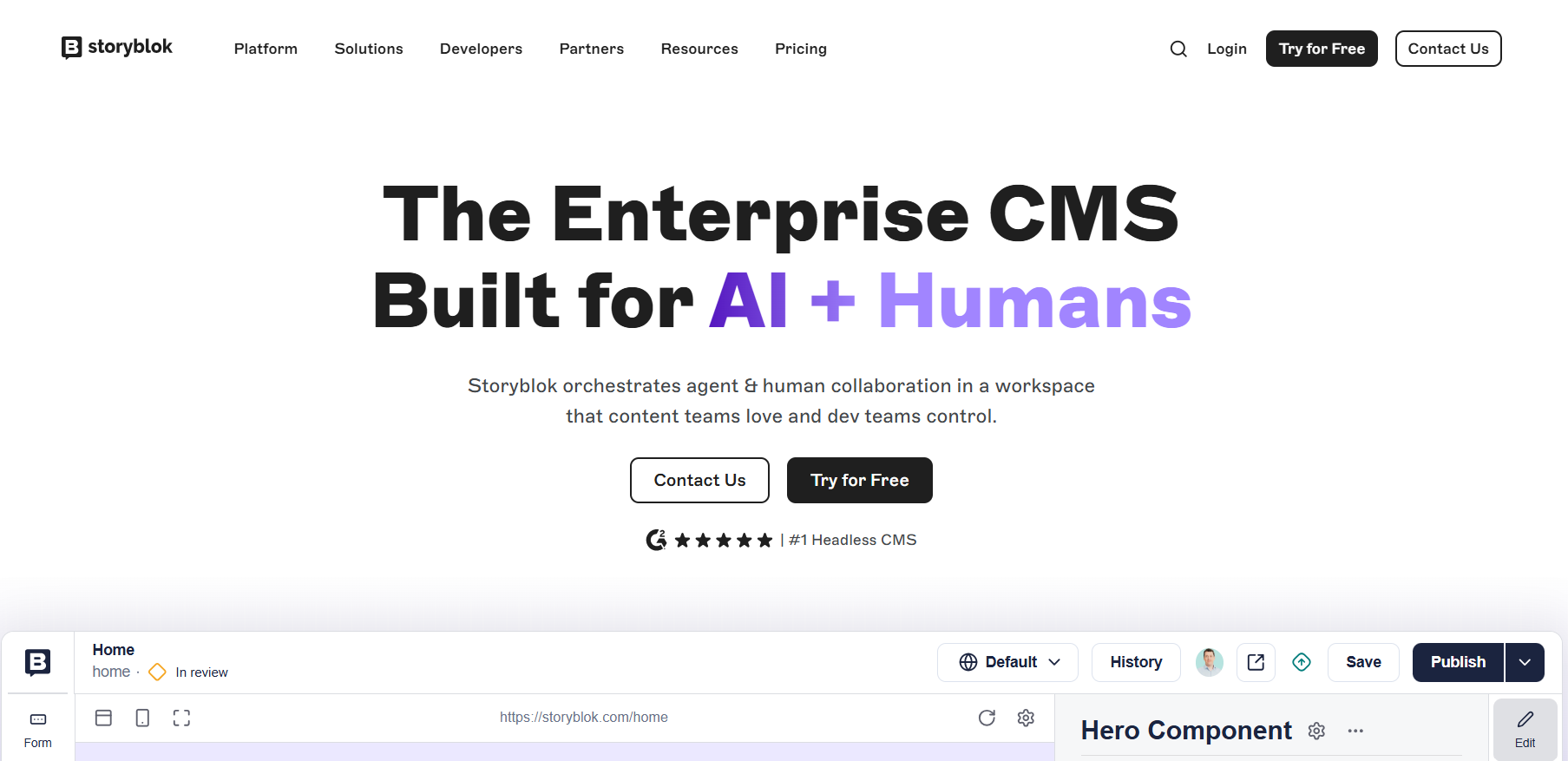
Storyblok's defining idea is the visual editor. Editors see the real page, click a block and edit it in place. Developers build components once, and marketers compose them into pages.
The official @storyblok/astro integration maps Storyblok components to Astro components, which is exactly the contract a marketing team needs.
What marketers get: Drag-and-drop page assembly, live preview, reusable components, scheduled releases on higher tiers and a deep app marketplace including SEMrush, Slack, Figma and Cloudinary connections on paid plans.
Drawbacks: Storyblok meters several things at once, including seats, traffic, API requests, locales and AI credits. The price looks simple at entry (a free Starter plan, then Growth from $99 per month, with Growth Plus from $349), but the ceiling on seats per tier means growing teams hit upgrade points sooner than expected.
Flowtrix’s opinion: If your team's main concern is "we need a developer to launch any page", Storyblok addresses it most directly. It rewards teams that invest in a good component library up front.
3. Sanity
Best for: Teams with complex, structured content who can pair editors with developer support
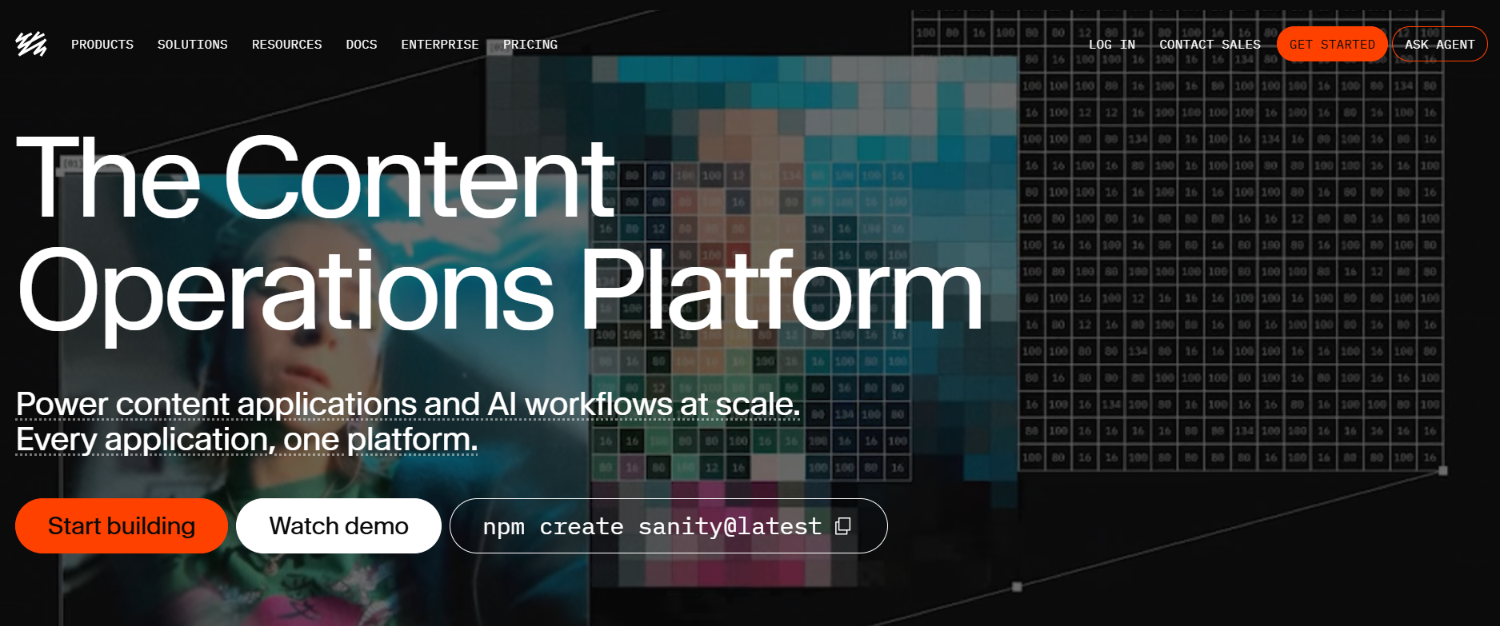
Sanity is less a CMS than a content platform. Its editing environment, Sanity Studio, is open source and shaped to your content, so you can build exactly the editorial workflow you need.
The official integration installs with npx astro add @sanity/astro, and Sanity is widely regarded as the most popular choice among structured-content Astro teams.
What marketers get: Real-time collaboration, a clean editing interface tailored to your model, strong search and, increasingly, AI-assisted content tooling.
Drawbacks: The editing experience is only as good as the Studio your developers configure. Out of the box it is a blank canvas, not a page builder. Visual editing and presentation tooling exist but require setup.
Pricing is genuinely friendly: the Free plan covers up to 20 seats, and Growth is $15 per seat per month. But add-ons add up (extra quota, dedicated support), usage-based overages apply, AI credits are metered, and SSO moved to Enterprise-only in 2026.
Flowtrix’s opinion: Sanity is the best answer when content is a product in its own right: documentation, product catalogs, multi-channel publishing. For a pure marketing site with simple pages it can be more platform than you need.
4. CloudCannon
Best for: Marketing sites where content lives in the repository and editors want to click and type on the real page
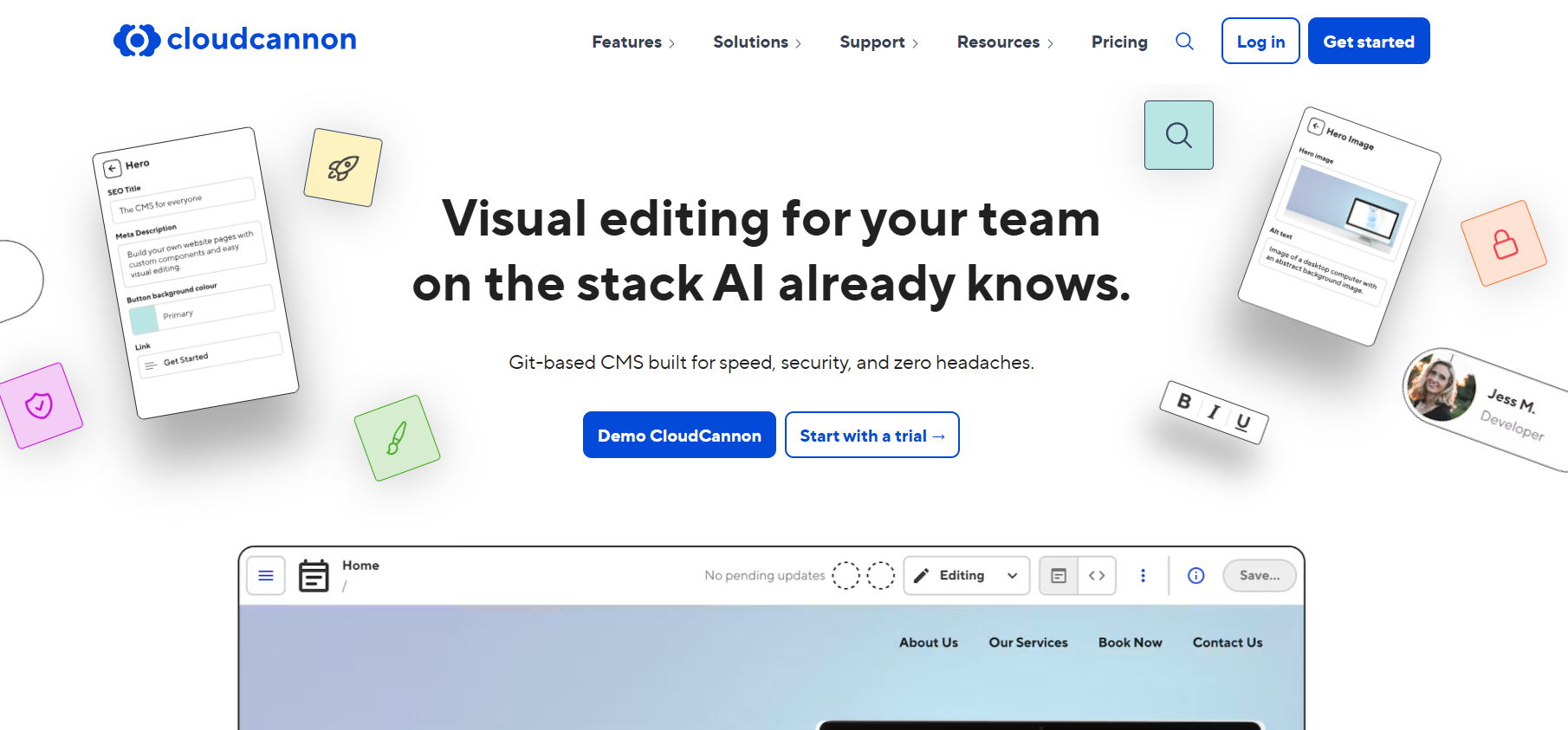
CloudCannon is Astro's featured CMS partner and takes a different approach: it connects to your Git repository and edits your Markdown, MDX, JSON and even .astro components.
There is no separate content database to sync. Its Visual Editor lets editors change text and images on a live, interactive preview, and the Astro Component Starter ships with 40-plus components already prepared for visual editing.
What marketers get: On-page editing, a familiar Markdown content editor for blog posts, a data editor for structured files and hosting included on every plan.
Drawbacks: It has no free tier, only a trial. Content stored in Git is less suited to heavily relational, multi-channel content, and API delivery to apps beyond the website is not its strength. Editor tags and conventions add a small layer of CloudCannon-specific markup to your components.
Flowtrix’s opinion: For a brochure or SaaS marketing site where the website is the only destination, this is the most Astro-native workflow available and often the simplest to operate. It also avoids a whole class of sync bugs.
5. Prismic
Best for: Teams that want developers to define approved page sections and marketers to stack them freely
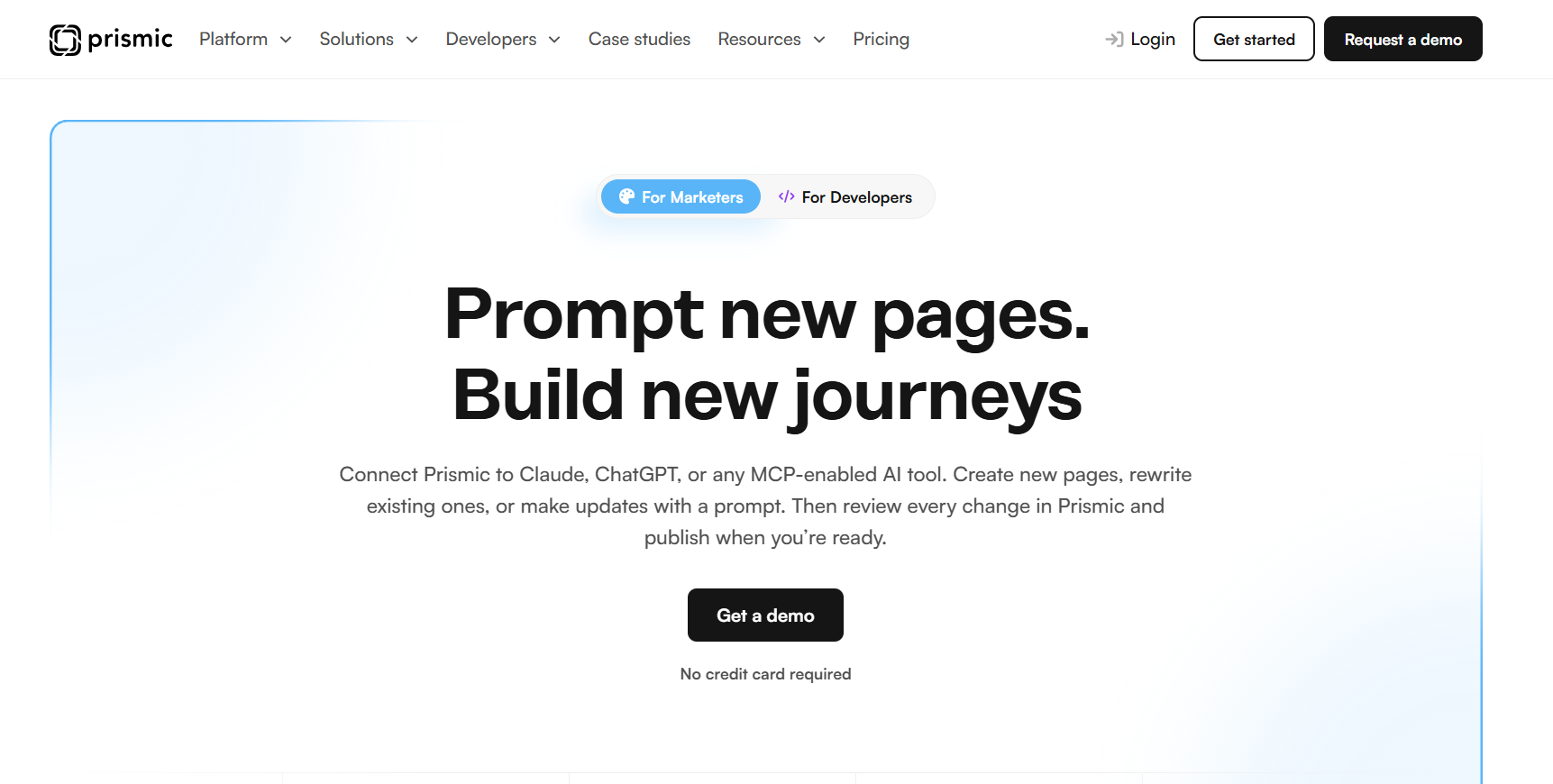
Prismic organizes pages around "slices", reusable sections that live in your codebase and appear as building blocks in the editor. Its visual Page Builder lets marketers compose pages from those slices, and Astro is covered in the Astro documentation's CMS guides.
What marketers get: A focused page-building experience, scheduled releases and previews with a gentler learning curve than a fully configurable platform.
Drawbacks: The slice model is tightly coupled to your code: new fields mean updating definitions, syncing them and redeploying. Prismic's pricing page has also been in flux through autumn 2026, with packaging changes and a discontinued AI landing page add-on, so confirm current plan limits.
Flowtrix’s opinion: Prismic suits small to mid-sized teams that want guardrails. If you want editors to invent new layouts, look at Storyblok. If you want them to stay inside brand-safe rails, Prismic's constraint is a feature.
6. DatoCMS
Best for: International marketing sites with many locales, rich media and structured data
DatoCMS pairs a polished editor with a strong GraphQL API and an official @datocms/astro integration. Its media handling and localization workflow are the reasons agencies keep recommending it.
What marketers get: Clean field-level translation, strong image tooling, content previews and role-based access.
Drawbacks: It is more structured than visual. Marketers edit records and fields rather than clicking on the page, and DatoCMS changed its plan structure in 2026, with third-party trackers reporting different entry prices.
Flowtrix’s opinion: If you publish in six languages and care about consistent, well-structured content, DatoCMS is a calm, dependable choice. It is less compelling if page-building freedom is your main goal.
7. Contentful
Best for: Large organizations that need workflows, roles, compliance and a vendor with enterprise credentials
Contentful pioneered the category and still excels at governance: granular permissions, content workflows and a deep ecosystem. Astro's documentation includes a Contentful guide, and the JavaScript SDK works cleanly in Astro frontmatter.
What marketers get: Mature editorial workflow, localization, a large marketplace and a platform security teams already know.
Drawbacks: Salesforce completed its acquisition of Contentful on September 1, 2026, and Salesforce has said it will integrate the platform natively across its customer data and AI stack. That may be excellent if you run Salesforce. If you chose Contentful for vendor neutrality, ask your account team direct questions about contract terms, pricing and roadmap. Pricing also tends to step sharply from free to paid for typical marketing sites.
Flowtrix’s opinion: Still a strong choice for regulated or global enterprises. For a typical 10-person marketing team on Astro, it is rarely the most efficient option.
8. Payload
Best for: Engineering-led teams that want to own the code, data and hosting
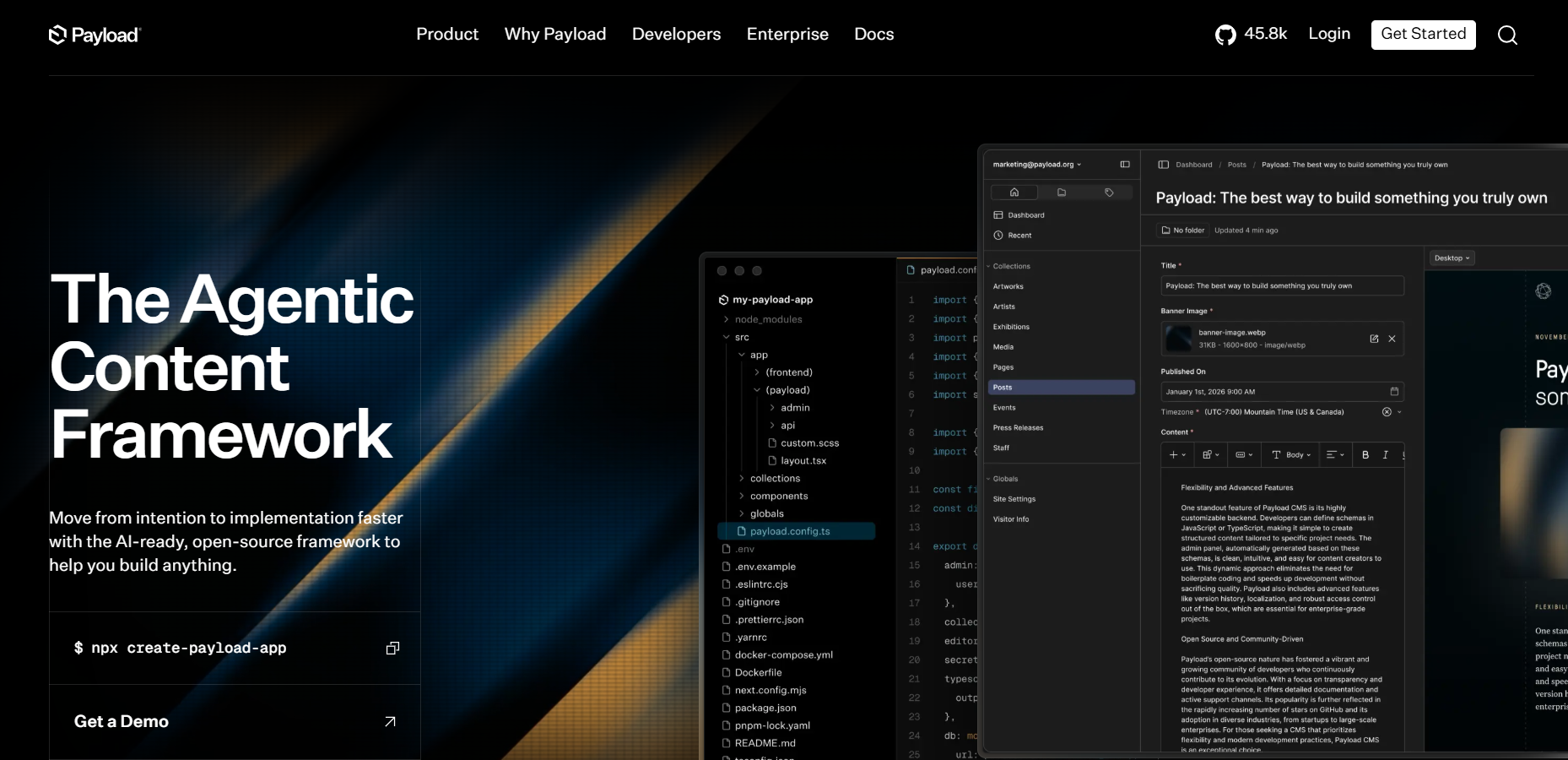
Payload is an open-source, TypeScript-native CMS and application framework, acquired by Figma in 2025. It is built to live inside a Next.js app, so with Astro you typically run it as a separate service and consume it over its REST, GraphQL or local API. Astro's CMS guides list Payload.
What marketers get: Whatever your developers configure: a customizable admin panel, drafts, live preview and access control.
Drawbacks: There is no turnkey marketer experience, and you take on hosting, upgrades and security. The software is free, but the people-hours are not.
Flowtrix’s opinion: Choose Payload when you want full control and have the engineering capacity to keep it healthy. It is a poor fit for a marketing team that wants to be self-sufficient on day one.
9. Hygraph
Best for: Teams that want a GraphQL-native content layer, especially when content also lives in other systems
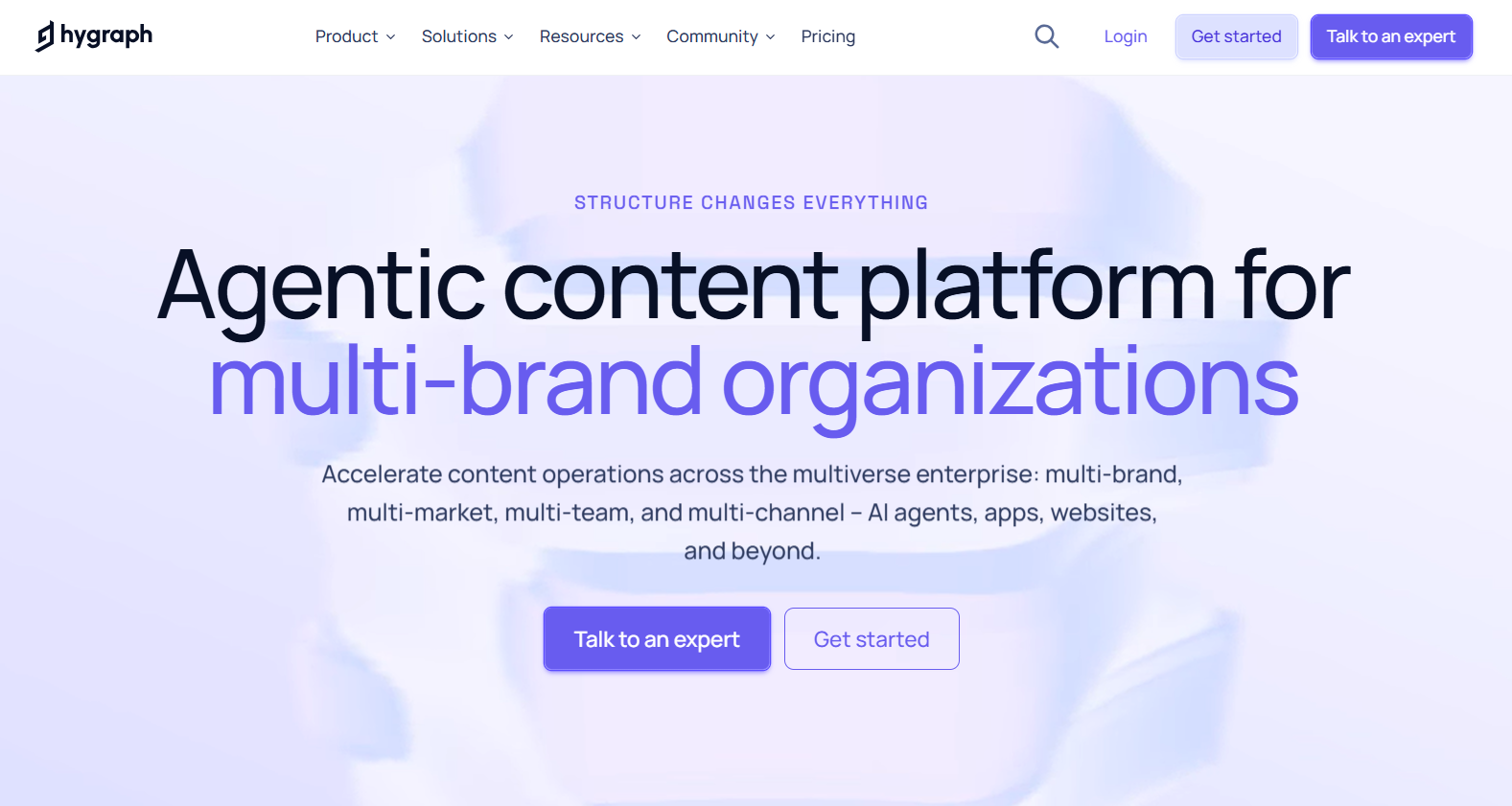
Hygraph is built around GraphQL, and its content federation approach lets you bring data from other sources into the same API. Astro does not need a dedicated package for it: you query the GraphQL endpoint in component frontmatter, and Astro's CMS guides list Hygraph.
What marketers get: A structured editor with live preview, commenting and assignment workflows, and role-based access
Drawbacks: The editing experience is structured rather than visual, so marketers work in fields and previews instead of clicking on the page. The public pricing is easy to read but steep to climb: a free Hobby plan (3 seats, 2 locales) and then Growth at $199 per month flat (10 seats, 3 locales). There is no gentle middle step, and locale limits matter for international sites.
Flowtrix’s opinion: Hygraph is a good fit when developers want GraphQL everywhere and content comes from more than one place. For a marketing team whose main goal is building landing pages on its own, a visual tool such as Storyblok or CloudCannon is usually closer to the brief.
10. Strapi
Best for: Teams that want open-source control, with the choice of self-hosting or paying for managed hosting
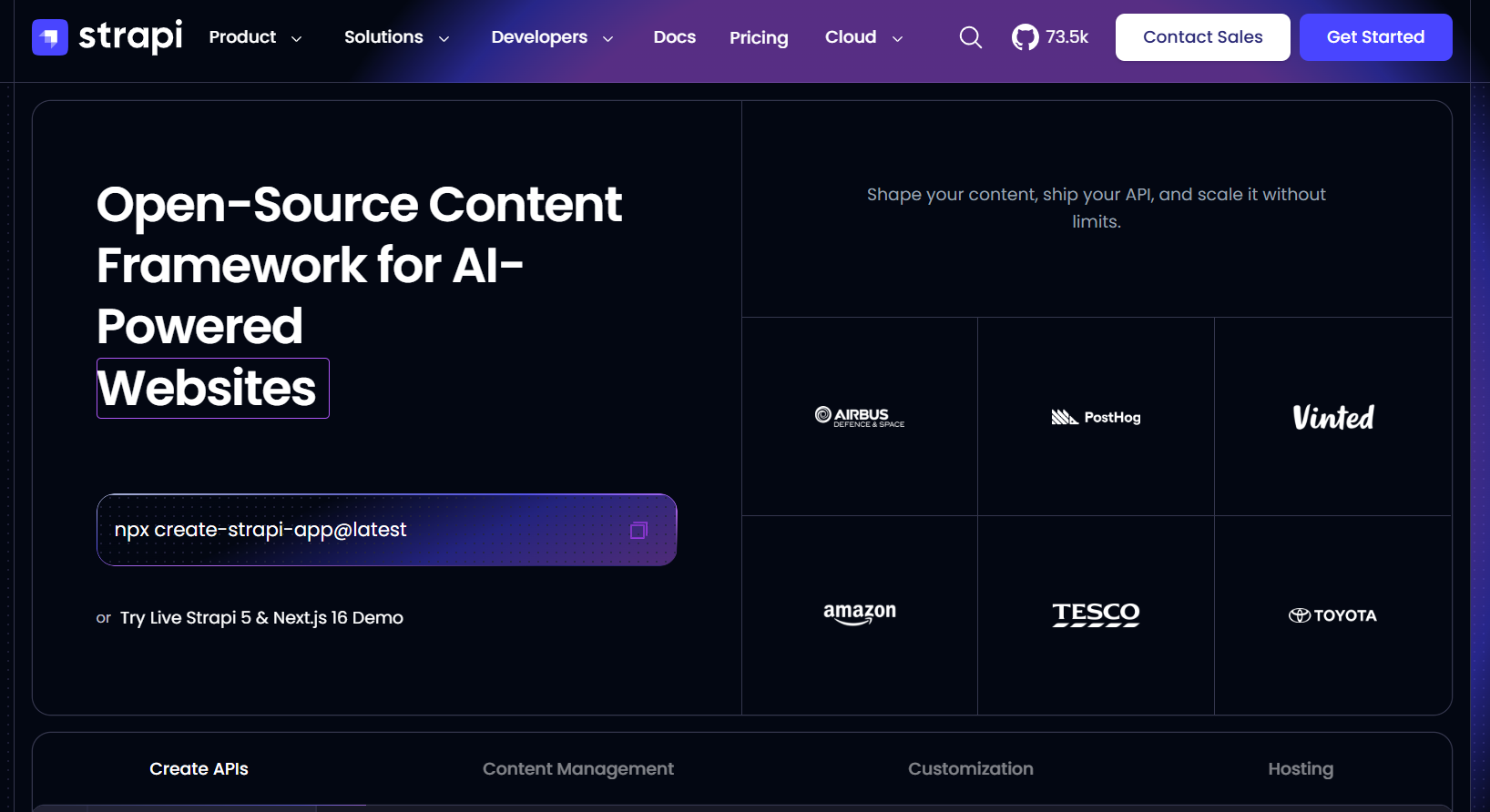
Strapi is a widely used open-source, Node-based headless CMS with a configurable admin panel and a content-type builder. Astro's CMS guides include Strapi, and you consume content over its REST or GraphQL APIs.
What marketers get: A clear admin panel, draft and publish states and role-based permissions, all shaped by how developers model the content
Drawbacks: The self-hosted edition is free, but you carry hosting, upgrades and security. Strapi Cloud removes that burden, though its pricing has changed several times this year and third-party trackers disagree on entry tiers, with the top tier reported around $450 per project per month. Some governance features sit in paid editions. Editing is form-based, not visual, and preview takes setup.
Flowtrix’s opinion: Strapi suits engineering-led teams that want to own their stack without building a CMS from scratch. It is rarely the first choice when marketers want to assemble pages without help.
11. Keystatic
Best for: Small marketing teams, blogs and content-led sites that want a free, Astro-first editor with no separate CMS server
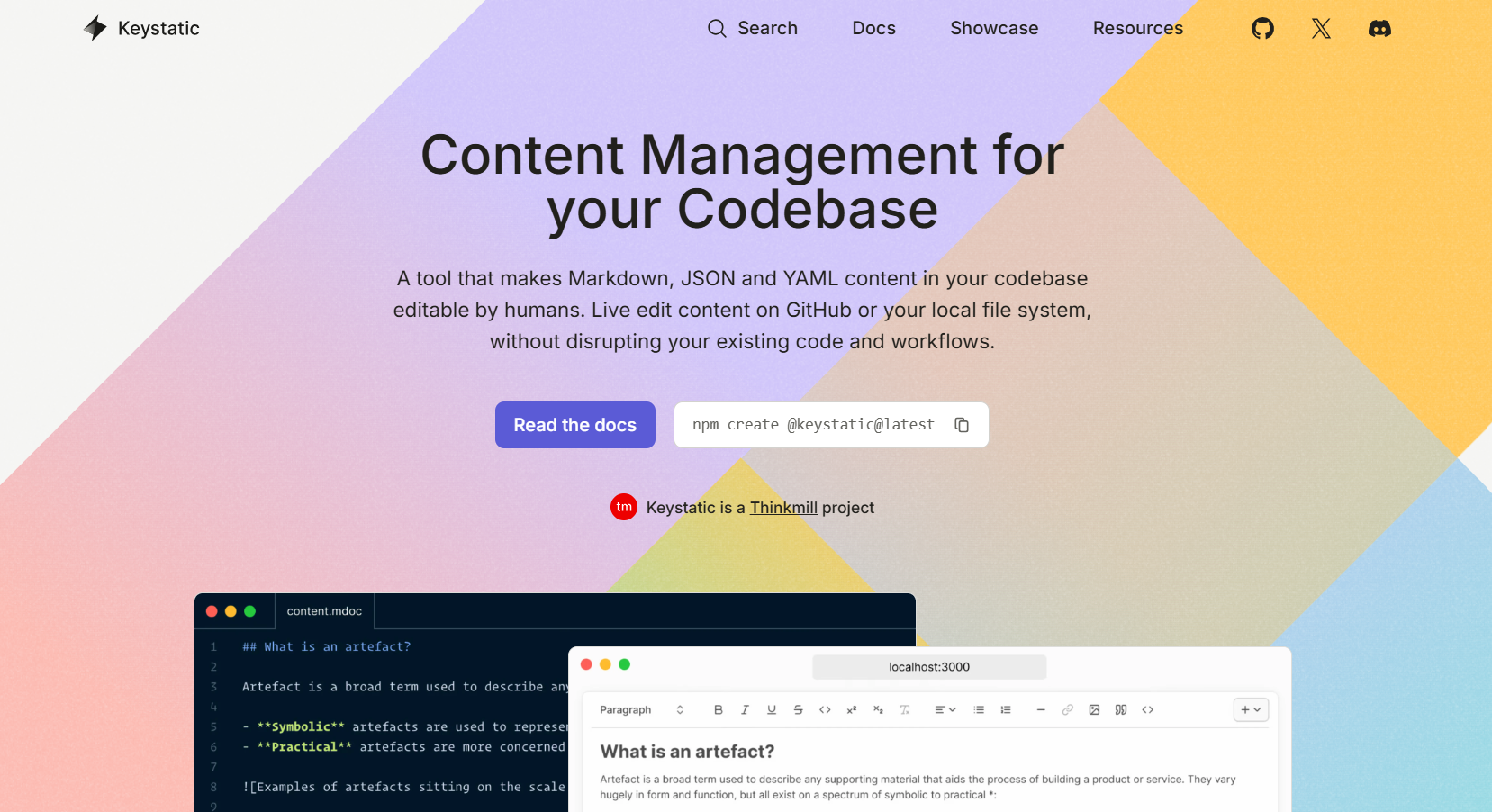
Keystatic comes from Thinkmill, the team behind KeystoneJS, and has a first-party Astro integration (@keystatic/astro). You define collections in TypeScript, content is stored as Markdoc, YAML or JSON in your repository, and editors work in an admin interface served from your own project. There is no database or CMS server to run. For production teams, the optional Keystatic Cloud handles editor sign-in without GitHub accounts, and its Pro plan adds image hosting.
What marketers get: A clean, form-based editor for posts and pages, every change saved as a Git commit and no per-seat licensing on the open-source version.
Drawbacks: There is no built-in visual or live preview, so previews need developer setup. It has no native localization, permissions follow GitHub repository access rather than field-level roles, and multi-editor collaboration is limited (experimental on the Pro plan). The admin route also needs on-demand rendering, so check your hosting setup. Cloud pricing comes from third-party sources: free for up to 3 users, then about $10 per month per team plus $5 per extra user.
Flowtrix’s opinion: Keystatic is the right answer when the budget is tight, the site is mostly pages and posts, and editors are comfortable with a simple form-based tool. If marketers need to assemble landing pages visually or manage many locales, step up to Storyblok, CloudCannon or DatoCMS.

Special mentions, and when you do not need a CMS
Here are some other options you can consider for headless CMS:
- Astro content collections: Astro supports Markdown and MDX natively with typed schemas. For a developer-maintained blog or documentation, this is often all you need, and it costs nothing.
- Git-based lightweights: Decap CMS and TinaCMS give editors a friendly interface over Markdown files with minimal infrastructure. They suit small blogs more than complex marketing sites.
- Builder.io and Directus: Both have Astro documentation and can work well. Directus appeals to teams wanting self-hosted flexibility over any SQL database, and Builder.io to teams wanting visual editing with a different philosophy.
What to know before choosing a headless CMS for Astro?
Astro is content-first and content-agnostic. It fetches data from whatever source you give it, either at build time (static) or at request time (server or hybrid rendering). That flexibility is the point, and it also means nobody chooses your CMS for you.
Astro's own documentation lists guides for a long roster of platforms, and it is candid that many of those pages are community-maintained stubs.
Here are three aspects that one must consider when making a decision:
Rendering mode drives editor experience
In a fully static build, publishing means triggering a rebuild through a webhook. For a 200-page marketing site that is usually a minute or two. For a 20,000-page site it can be painful. Hybrid or on-demand rendering lets some pages update instantly, but adds hosting complexity. A CMS that looks perfect in a demo can feel sluggish once an editor waits for a deploy to see a change.
Official integrations reduce risk
Storyblok, Sanity and DatoCMS ship integrations built for Astro, and others work through standard SDKs or plain fetch calls in your component frontmatter. An official package means components map cleanly, previews are better supported and updates track Astro's releases. A plain SDK works fine, but your developers carry more of the glue.
The framework itself is stable ground
Cloudflare acquired the company behind Astro in January 2026, and Astro's announcement states the framework stays free, open source and MIT-licensed. That is reassuring for anyone betting on Astro, and it makes Cloudflare an increasingly natural host.
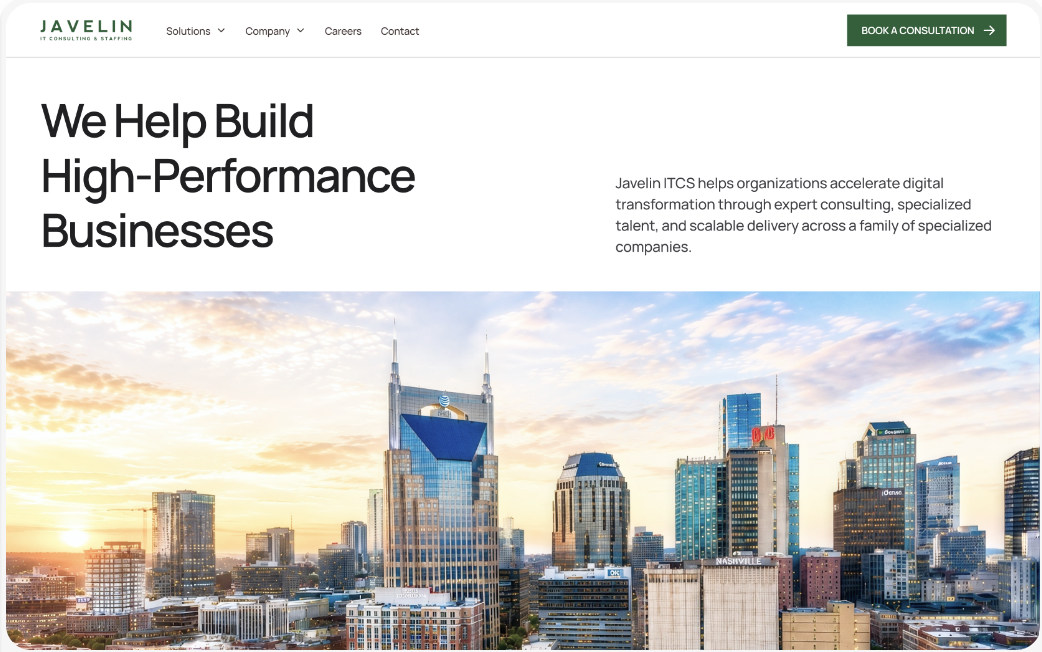
We recently built a component-based Astro site for Javelin from signed-off Figma designs, with a live style guide and a CMS its own team runs. Read the full Javelin case study →
What’s included in a good Astro CMS integration?
Choosing a CMS is only half the job. A professional headless CMS integration for Astro should cover the following:
- Component mapping: Every CMS block maps to a tested Astro component, with sensible fallbacks
- Preview environment: A server-rendered preview route that shows drafts exactly as they will appear
- Webhook-triggered builds: With deploy status visible to editors so nobody wonders whether it is published
- SEO fields in the model: Title, description, canonical, Open Graph and robots controls on every page type
- Structured data: JSON-LD for articles, FAQs, products and organization, generated from CMS fields rather than hard-coded
- Image pipeline: Responsive images with sensible limits, so a 6 MB upload cannot undo your performance score
- Redirect and slug management: Editors can rename a page without breaking inbound links
- Roles and approvals: Matched to how your team actually works, not to the vendor's defaults
- Content governance: Naming rules, required fields and a short editor guide
Take your next step with Flowtrix
Choosing a CMS is less about finding the "best" tool and more about finding the one your team will actually use. The right choice makes marketers faster and developer operations smooth: pages go live without a ticket, previews can be trusted, and nobody dreads the next redesign.
At Flowtrix, we work with Astro and are building our own CMS, so we know both sides of the trade-off. Need a second opinion? Let’s talk!