



Use to summarize this article


- Start with the revenue path: Localize the homepage, pricing page, demo or signup flow, and your top 3 to 5 product pages first, because this is where buying decisions happen.
- Then build trust and capture demand: Add security, integrations, and case studies next, followed by comparison pages and bottom-funnel SEO content built on local keyword research.
- Let the long tail wait: Documentation, changelogs, and the blog archive can wait until your core funnel converts.
- Match the order to your model and market: Sales-led and product-led companies need different first pages, and markets like Germany or Brazil shift what moves to the top.
- Localize the whole path before adding a market: A localized page that leads to an English form, trial, or pricing page wastes the traffic, so finish one market's buyer path before expanding.
If you’ve been overthinking the localization process for your website pages, think no more.
As a B2B SaaS company you should localize the revenue path first: the homepage, pricing page, demo or signup flow, and 3-5 product pages closest to a purchase.
Next come trust building pages: security, integrations, case studies, etc.
Then comparison and bottom-funnel SEO pages. Documentation, changelogs, and the blog archive can wait. Make sure to localize the whole buyer path in one market before adding another.
Most SaaS teams approach localization like a moving day. They open the sitemap, see 300 pages, and try to carry everything across at once. Six months and a large translation invoice later, there is a bilingual blog nobody in the new market reads and a pricing page that is still in English.
The better question is not "how much of our site do we translate?" It is "what is the smallest set of pages that lets a buyer in a new market understand us, trust us, and start a conversation?" For SaaS website localization, that set is usually 15 to 30 pages, not 300.
Let’s give you a practical sequence and why this priority is important.
Pages That B2B SaaS Companies Should Localize First: The 4-tier Approach
It's best to localize the pages closest to a buying decision first, in four tiers. Each tier adds reach rather than depth, so you can stop after any tier and still have a complete, working experience for a buyer.
Before we get into the details of what each tier consists of and where you need to focus, the table below gives you the glimpse of tier-wise localization for a B2B SaaS company.

Tier 1: The Revenue Path
The revenue path is the shortest route from first visit to a booked demo or the first trial. It consists of 4 elements:
Pricing Page
Pricing is the most under-localized high-impact page among SaaS company websites. Teams translate the homepage because it is visible, then leave pricing in English because they believe it has too many fluctuating aspects.
An English-only pricing page presented to a European or Asian buyer signals they are a secondary concern for you, which raises perceived risk, especially when the buyer must justify the spend to a local procurement team.
Here’s what you should localize on a Pricing Page:
- Currency: Show local currency if you bill in it. If you do not, say so clearly, for example "billed in USD," so finance teams are not surprised.
- Tax language: In many markets, buyers expect to know whether prices include VAT.
- Plan names and units: Seats, workspaces, and credits can become unclear once translated. Test them with a native speaker who understands software.
- Payment and invoicing: Card-only checkout can block buyers where invoicing or local payment methods are the norm.
- Number and date formatting: Decimal separators and date formats differ by market and affect trust.

Homepage
Your homepage does three jobs: say who you are for, say what you do, and route people onward. Therefore, simply translating it is not enough for localization, it needs to be recreated too.
First, adapt the brand message according to your target geographical regions and then the words. Be very particular about what should be on your homepage.
Demo, Sign-up & Contact Path
Every step after the click must match the language of the page that led to it. Check form labels, validation messages, confirmation emails, booking tools, and time zone handling.
One of the most common localization mistakes is localizing the top of the funnel and then dropping buyers into an English-only trial or demo flow.
Top Product & Solutions Pages
Choose 3-5 top product pages based on their revenue contribution, not menu order. Pull the pages that most often appear in closed-won journeys from your CRM or analytics. This is enough for Tier 1 of your B2B SaaS website localization.
For these pages, use messaging frameworks that convert quickly.
Tier 2: Trust Building Pages
When you sell in a second language, you are usually a foreign vendor, and that changes what buyers look for. The product demo may carry a deal in your home market. In others, procurement and security teams want to see data handling, hosting location, and compliance posture before a call is booked.
Here are the most important pages/elements that need to be localized in the second phase:
- Security & Compliance: Localize the summary page if you hold SOC 2, ISO 27001, or GDPR documentation. State your data hosting region plainly and early.
- Integrations: Local buyers care whether you connect to their stack. A page listing only US tools signals you were not built for them. Add regionally relevant accounting, ERP, and messaging tools where you genuinely support them.
- Case Studies & Logos: One case study from a nearby market is worth more than ten translated US ones. If you have none yet, localize your most relevant case study and be honest about regional fit.
- About Us Page: Keep it short, but make sure it answers "who are these people and are they staying?" Mention any local entity, presence, or support hours.
Remember, social proof that resonates in the US, such as logos and G2 ratings, may carry less weight in markets where relationships and local references matter more.
Tier 3: Capture Local Search & Demand
This phase is about building pages that improve your search visibility within your targeted geographical regions.
At this point, it’s better that SaaS companies start with high-intent pages such as product, feature, solution, pricing, comparison, and integration pages, plus high-performing educational content.
However, comparison and integration pages convert well, but only after the core path works, and only if the competitor or tool is actually relevant in that market.
Make sure you build pages in the following order:
- Comparison and alternative pages: only for competitors that are present in the target market
- Use-case pages: written around how locals actually search for the problem
- 5-10 bottom-funnel articles: such as "how to choose," "best tool for," and pricing guides. Skip top-of-funnel thought leadership until the core funnel converts
Don’t forget to run local keyword research before writing. A keyword that performs strongly in English can be mediocre or below average when directly translated to other languages.
Tier 4: Elements That Can Wait
Documentation, changelogs, the blog archive, and most help content can wait until you have traction.
- Documentation & Help Center: Important for retention, rarely decisive for acquisition. Localize it when support volume from the region justifies it. Until then, localized onboarding for the first few steps plus a clear note that docs are English-only is usually enough.
- Changelog & Release Notes: Almost never worth localizing early
- The Blog Archive: Old posts rarely rank in a new language and rarely convert
- Legal Pages: Do not skip or take these lightly. Your privacy policy and terms may need localization or a jurisdiction-specific version. This is a legal question, so involve counsel.
Why Does the Order Matter More Than the Number of Pages You Localize?
Because the return from localization is uneven. A small number of pages carry most of the commercial weight on your B2B SaaS website.
At Flowtrix, we have rebuilt and scaled enough B2B SaaS websites to see the same pattern repeat:
- Teams that sequence localization around the buying path get traction quickly
- Teams that follow the sitemap burn budget on pages that were never going to convert
A buyer evaluating a 5-figure annual contract will read your pricing page, your security page, and one or two product pages. They will almost never read your 2022 post on quarterly planning templates.
According to a study by Gartner, 66% of software buyers say reading a provider's website in their own language is important.
Moreover, a localized page that leads to an English-only next step is worse than no localized page at all.
Sales-led or Product-led: Which Pages to Localize First?
It depends on your go-to-market model.
- If you are a product-led company, with trials or freemium, localize the product experience early, because international users who hit an English UI after signing up tend to churn quickly.
- If you are a sales-led company, with demos and enterprise deals, localize the marketing site first, since that generates the leads your sales team converts.
The table below shows the most important pages to localize first based on the go-to-market model for your B2B SaaS company.
How to Prioritize Pages for Localization Based on Your Target Market?
Market context shifts the commercial weightage, so the same SaaS product can need a different first-wave page list in each country.
Treat the table below as a starting hypothesis and validate it against your own sales conversations.
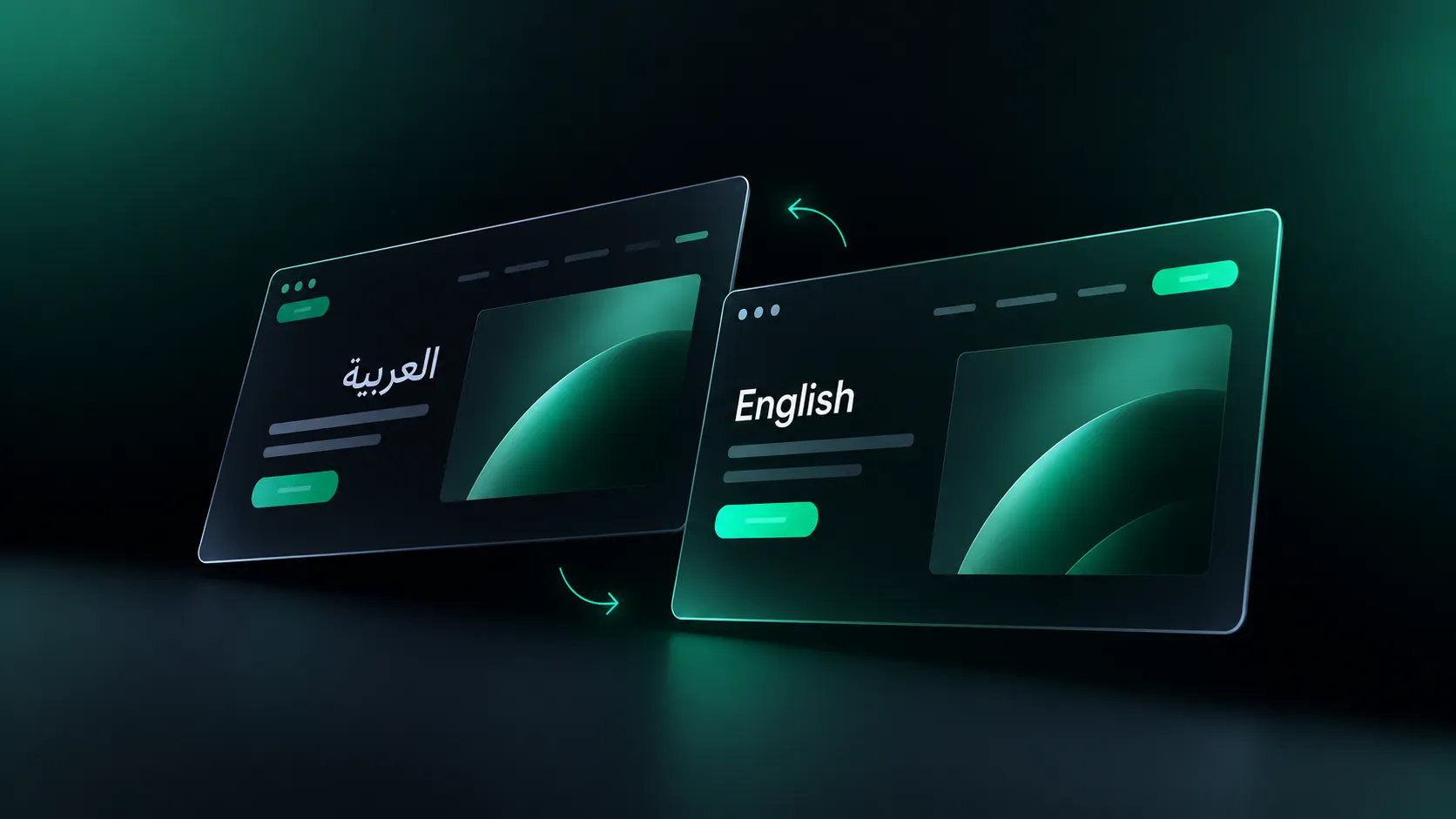
You need a strategic approach to localize and migrate a multilingual website. The same language is not the same market. Spanish for Spain and Spanish for Mexico, or European and Brazilian Portuguese, differ in tone, terminology, and trust signals.
Which Pages You Should Not Localize First?
Skip pages that do not change a buying decision in phase one.
- Top-of-funnel blog content: It builds authority slowly and does not help phase one.
- Pages describing features not available in the target market: Do not promise what you cannot ship there.
- US-specific content: Compliance guides, state-specific tax content, and similar material.
- Weak or outdated pages: Fix them in English first. Translating a weak page makes the weakness more expensive.
- Pages with low organic and low commercial value: If nobody reads it in English, a second language will not change that.
Do What’s Best for Your Website With Flowtrix
The right answer to "which pages should we localize first?" is a method, not a fixed list: follow the buyer's path, close the trust gap, then capture demand.
For most B2B SaaS companies, SaaS website localization starts with pricing, the homepage, the conversion path, and a handful of product and trust pages. Everything else earns its place later.
If you’ve been stuck within the extensive list of website pages for localization, Flowtrix can help you with your strategic first and next steps followed by visible results.
Tell Us About Your Company and Localization Plans →




.webp)





.svg)

.svg)



%201.svg)


.svg)
.svg)

